Top Professional Resume Templates for 2026 | Industry-Specific Designs
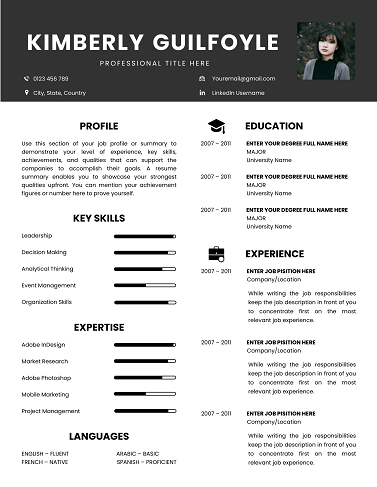
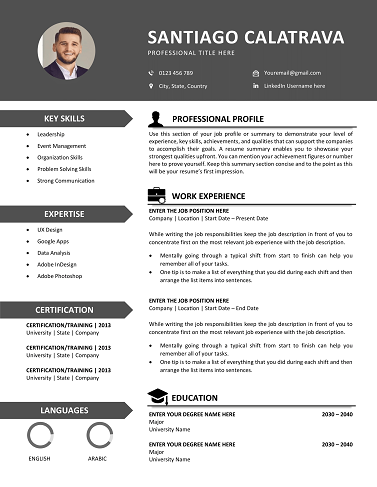
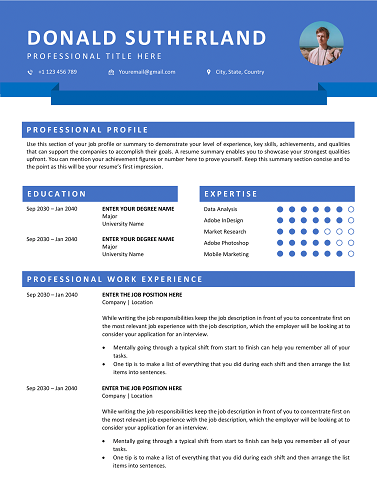
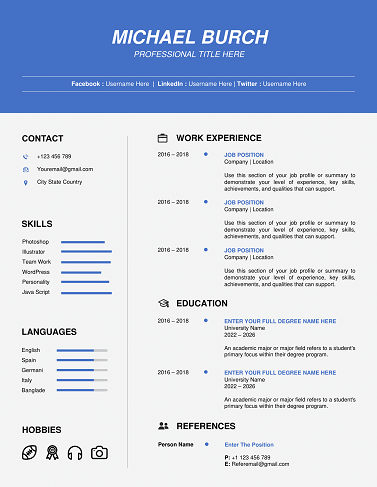
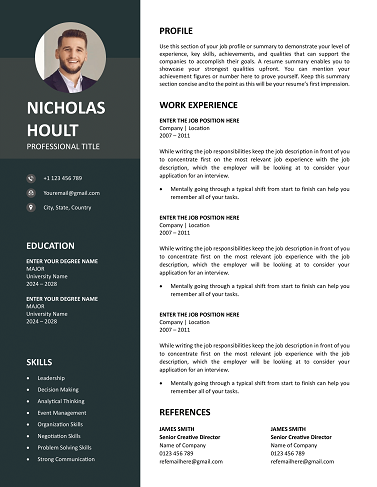
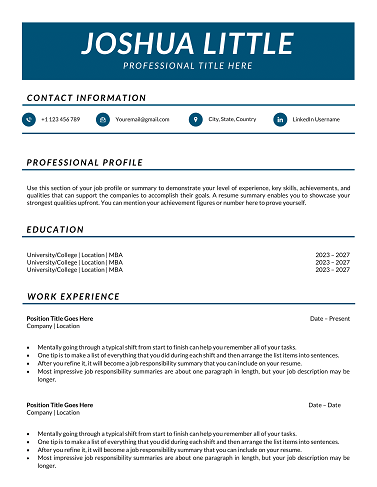
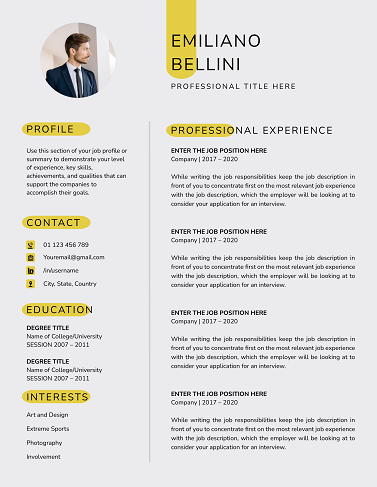
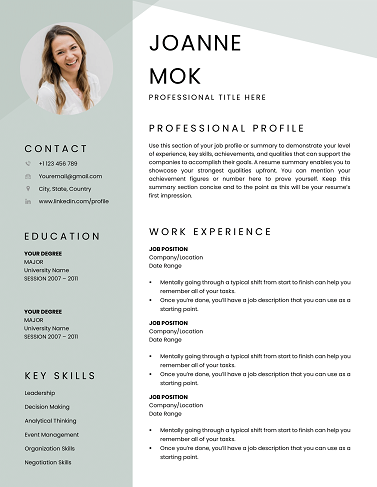
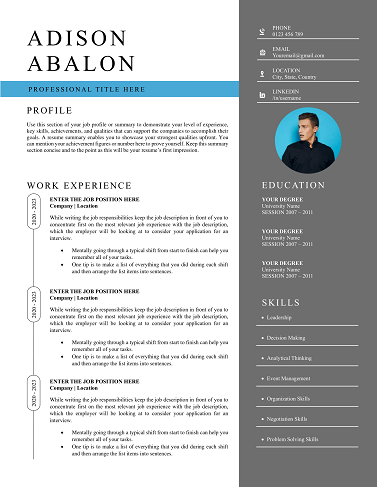
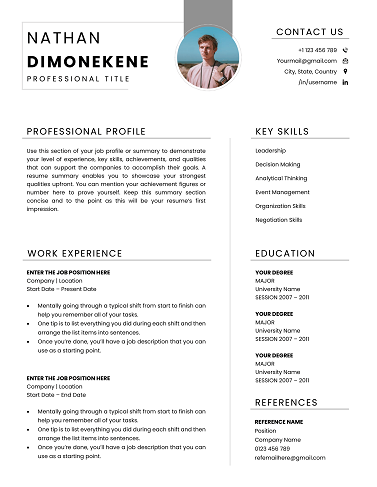
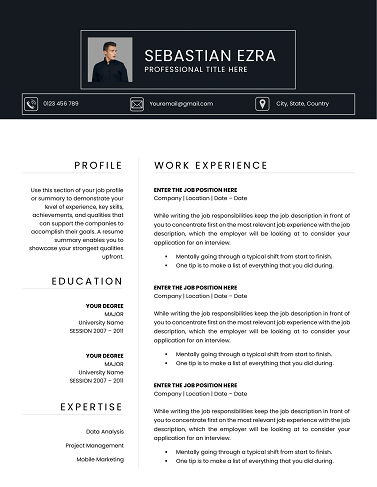
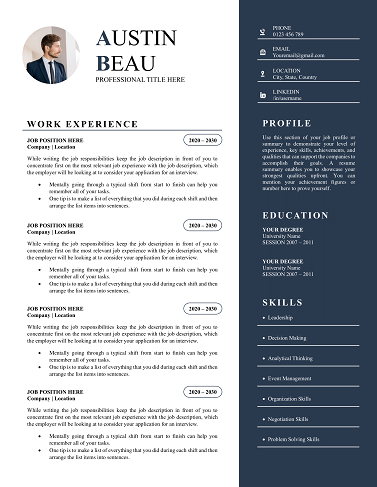
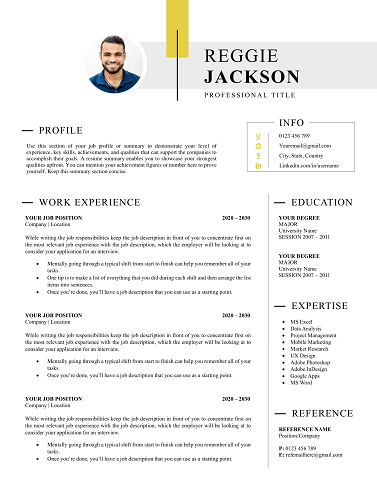
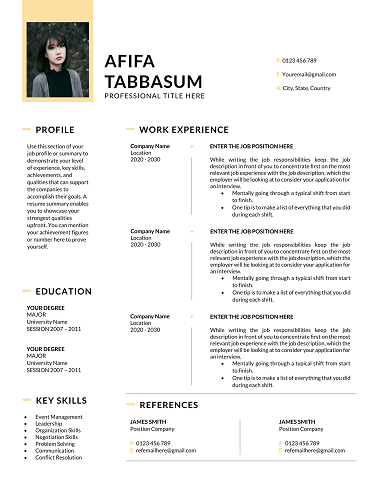
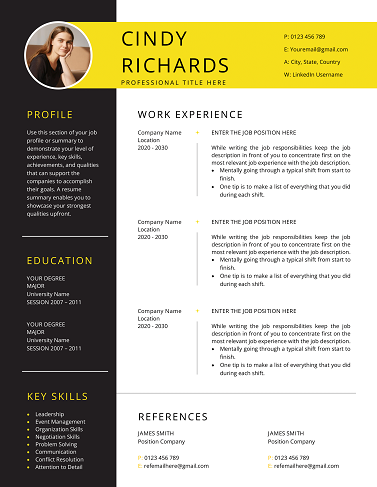
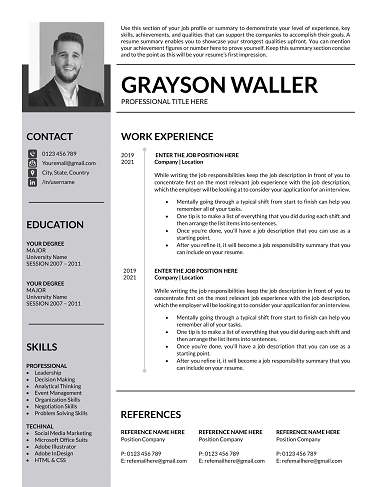
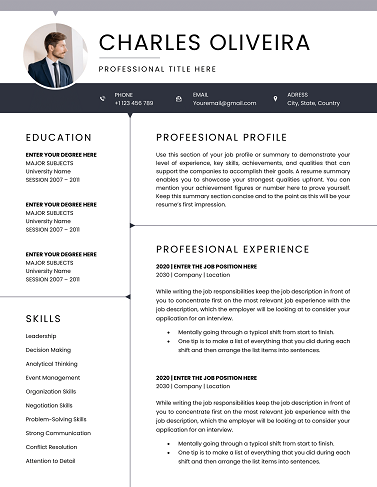
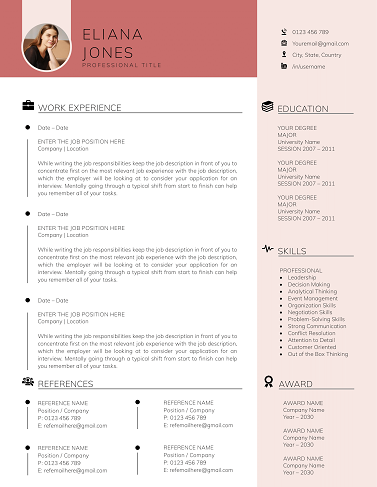
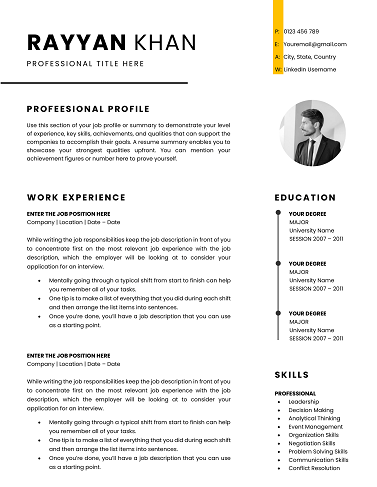
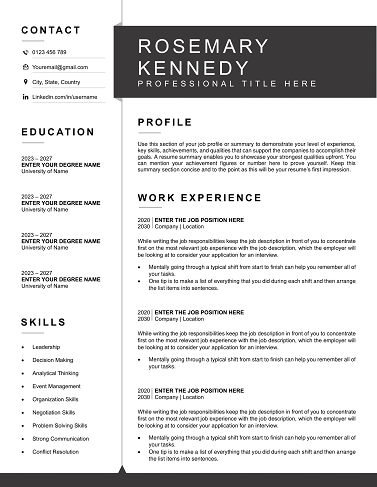
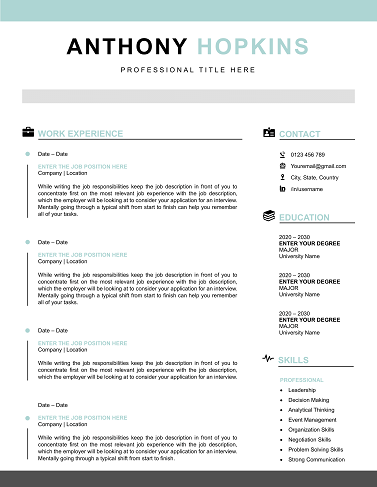
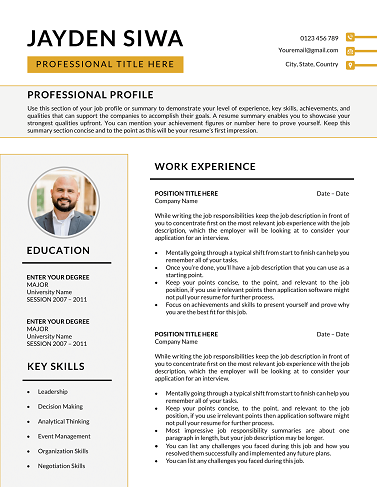
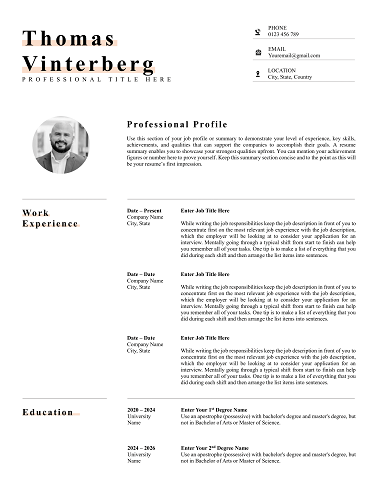
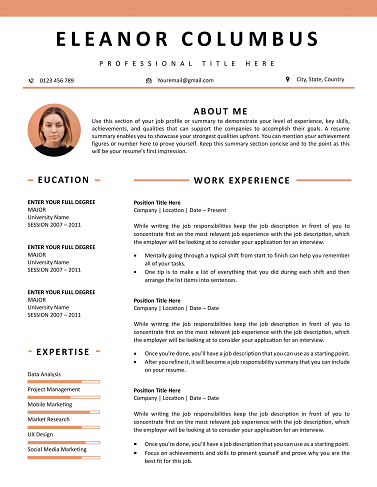
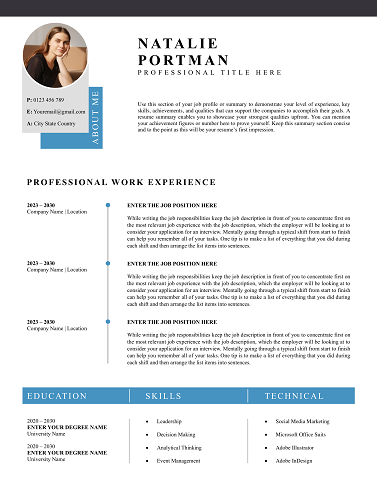
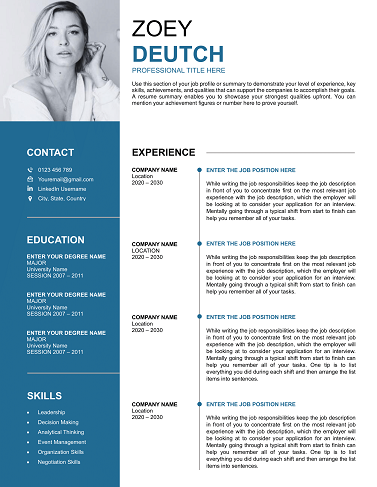
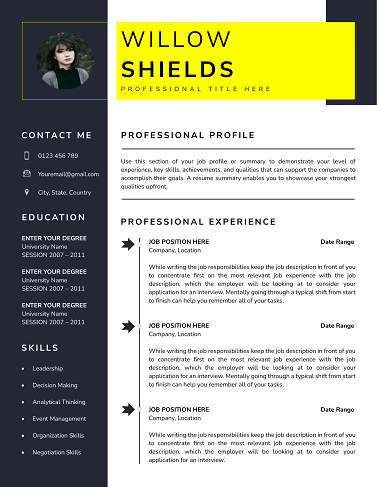
Looking for the best professional resume templates to land your dream job in 2026? Whether you’re in tech, design, or healthcare, our curated list of industry-specific resume templates ensures your application stands out. With ATS-friendly designs and modern layouts, these templates are tailored to help you impress recruiters and pass automated screening systems.
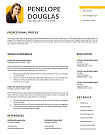
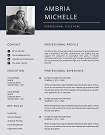
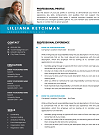
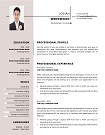
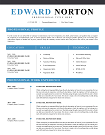
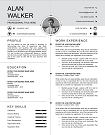
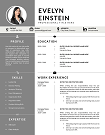
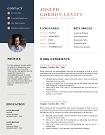
30+ Resume Templates in Word Format - Free Download for 2026
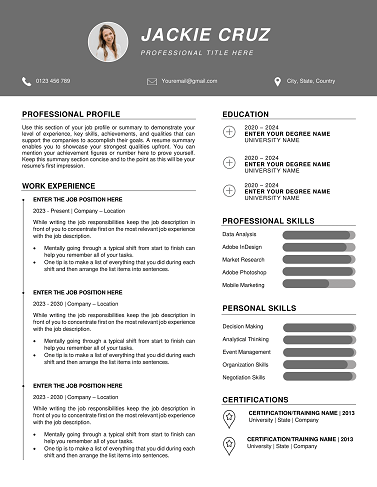
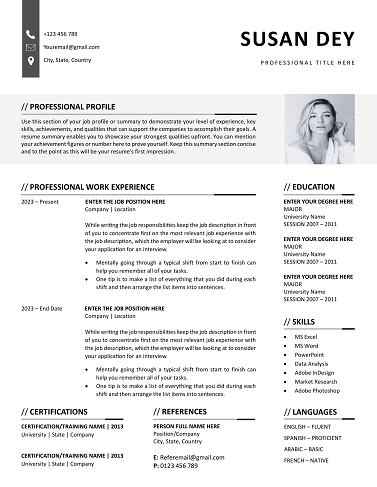
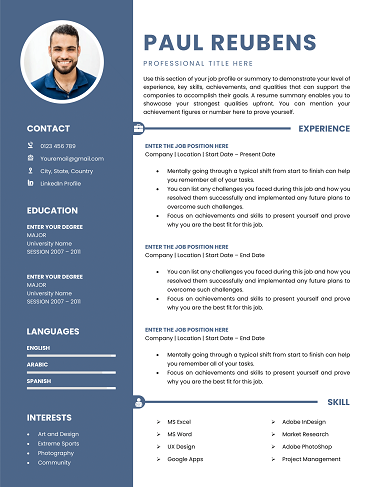
Download
Easily Access Your Resume Templates Today
Our Resume Templates are designed for simplicity and effectiveness. Follow the steps below to customize and download your perfect resume.
Step-by-step Guide to Downloading
Choose a template that suits your style.
Customized Your Resume to Stand Out
Edit the template with MS word
Download and Prepare for Applications
Save Your customized CV as a PDF.
Resume Examples by Profession
Download our free professional resume examples. All of our examples have been designed and created by our career experts. Choose your professional profile and create your free resume in Microsoft Word now!
Unlock Your Career Potential with ATS-Friendly Resume Templates
Our Free Resume Templates are designed to be ATS-friendly, ensuring your application gets noticed by employers. Stand out in a competitive job market with professional designs that highlight your skills and experience.

Resume Templates – Professional, ATS-Friendly & Designed to Get You Hired
Looking for a resume that actually gets noticed? Our resume templates are crafted by industry experts to help you create a powerful first impression. Whether you’re a fresh graduate, mid-level professional, or executive, we have a design that highlights your skills and experience while staying ATS-compliant. With over 500+ designs across industries, you’ll find the perfect match to stand out in competitive job markets.
Why Choose Our Resume Templates?
Our templates aren’t just visually appealing – they’re backed by years of hiring industry insights. Here’s why thousands of job seekers trust us:
- ATS-Friendly Formatting: Pass applicant tracking systems with ease.
- Customizable in Minutes: Edit in Microsoft Word, Google Docs, or Canva.
- Designed by Career Experts: Based on proven hiring trends and recruiter feedback.
- Industry-Specific Styles: Templates tailored for tech, healthcare, education, business, and more.
- Instant Download: Access your chosen template immediately after purchase.
Who Are These Resume Templates For?
Our templates are designed for job seekers at every stage of their career:
- Students & graduates looking for their first job.
- Mid-level professionals aiming for promotions.
- Executives seeking C-suite opportunities.
- Career changers needing a fresh, professional look.
Where Can You Use Our Resume Templates?
Our templates are perfect for:
- Corporate job applications.
- Freelancing profiles on platforms like Upwork or Fiverr.
- International CV standards (Europass guidelines).
- Online job boards such as LinkedIn, Indeed, and Glassdoor.
Customizable to Your Career Story
Every resume template comes with editable sections for:
- Professional Summary & Objective
- Work Experience & Achievements (achievement writing tips)
- Skills, Certifications & Awards
- Education & Training
- Portfolio Links & References
Built on Experience & Trusted by Thousands
We’ve helped over 250,000+ job seekers worldwide land interviews. Our templates are created in collaboration with certified resume writers and follow the latest resume keyword optimization practices to maximize visibility.
All downloads are secure, and your information is never shared. You can trust that every design meets professional and technical standards for modern job applications.
Download Your Free Cover Letter!
Transform you job application with our professional, cover letter templates designed for 2025.
Blog
Resume Building Insights
Explore expert tips for crafting your perfect resume.
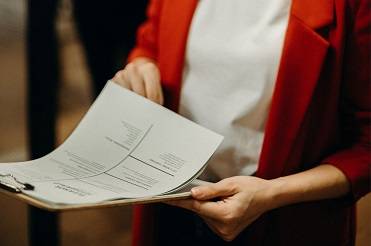
Discover essential, editable Word resume examples. Easy to edit, free to download — create your perfect resume in minutes. Start building now!

Learn how to write a resume with proven steps. Follow this easy guide and create a job-winning resume that gets you hired faster today!

Use our free online CV maker to create a professional resume in minutes. No design skills needed. Start now and land your dream job faster.

Learn which skills in a CV grab attention. Use our proven list to impress recruiters, pass ATS scans, and get hired faster. Start building now!

Wondering if your CV should be 1 or 2 pages? Discover the proven answer with expert tips. Learn what works best—start optimizing your CV now!

Discover essential resume/CV tips that help you stand out. Use these proven strategies to land interviews—start improving your resume today!
FAQs
What is the best format for a resume template?
The best format depends on your career stage. Chronological resumes work for steady career growth, while functional templates are ideal for highlighting skills.
Are your resume templates ATS-friendly?
Yes, all our templates follow ATS guidelines so hiring software can read them easily.
Can I edit these templates in Google Docs?
Absolutely! All templates are available in Word, Google Docs, and Canva formats for easy customization.
Do you offer resume templates for specific industries?
Yes, we have industry-specific designs for healthcare, tech, finance, education, marketing, and more. See all industry templates here.
How do I choose the right resume template?
Pick a template that matches your professional tone and industry standards. If you’re unsure, start with our Best Resume Templates for 2025 guide.
How to Customize a Resume Template in MS Word?
Follow these steps to easily customize and use your CV template in Microsoft Word.
Download the Resume Template?
Click the download button on the CV Templates Hub website and save the .docx file to your computer.
Open the Template
Open the downloaded template in Microsoft Word or any compatible word processor.
Edit Personal Information
Replace placeholder information like name, contact details, and work experience with your own data.
Save and Export
Save the final version of your CV and export as PDF if required for online applications.